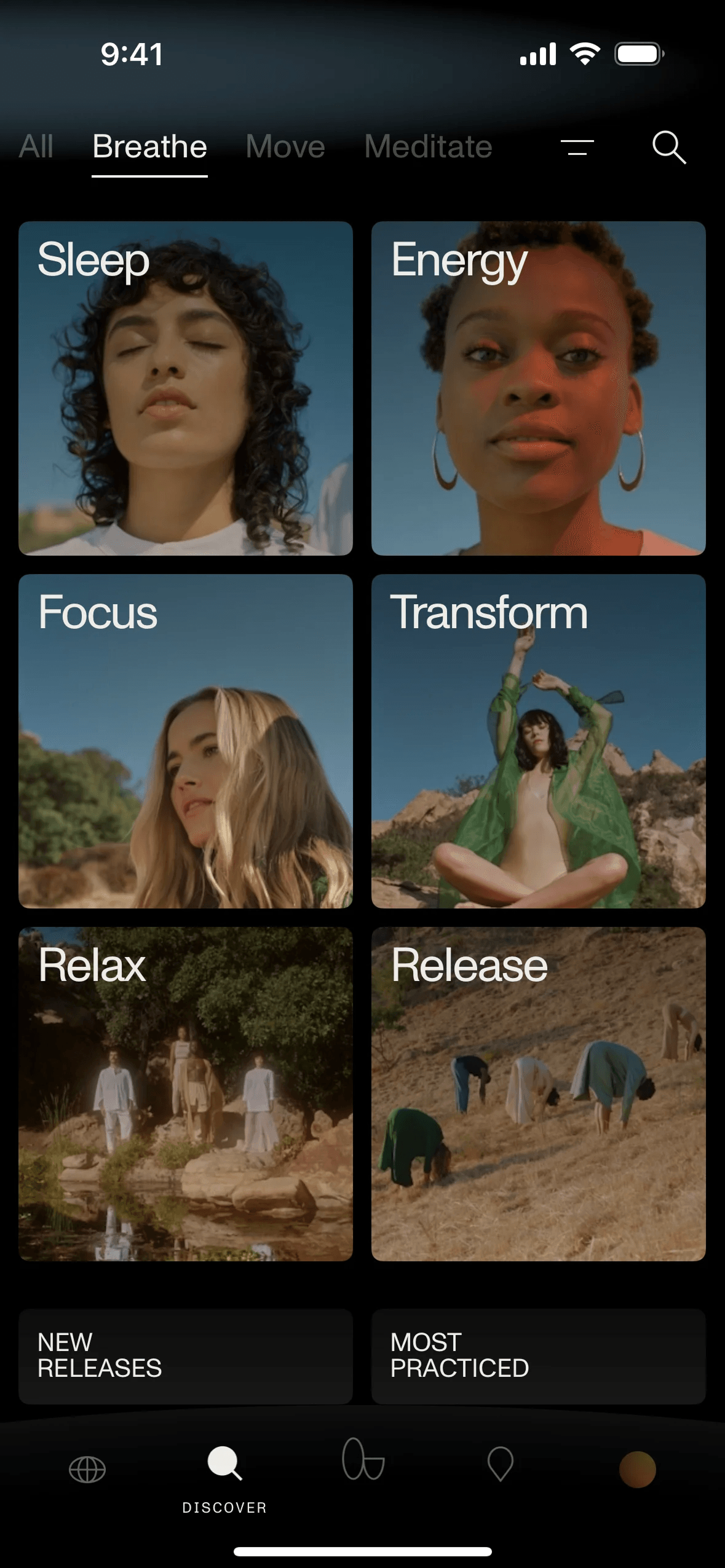
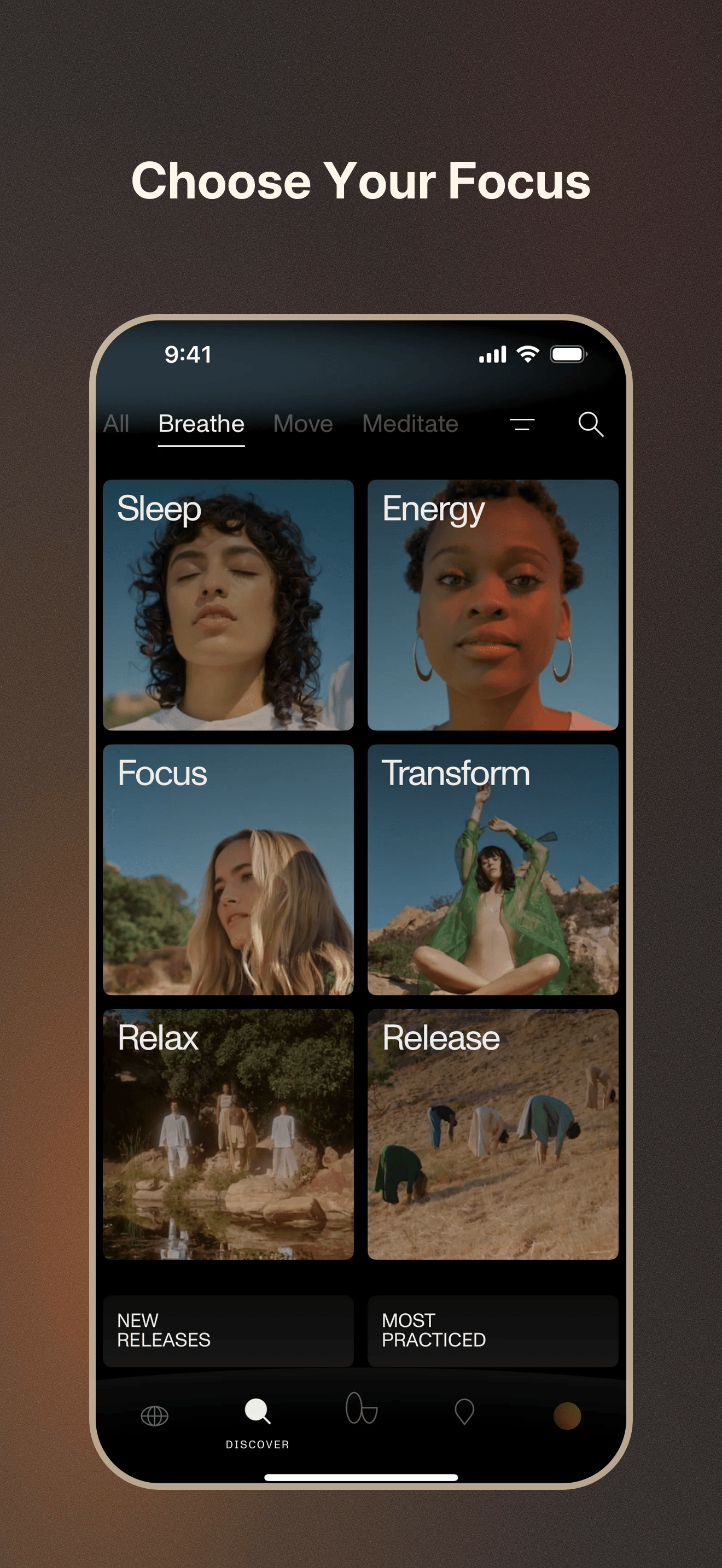
Coming soon for iOS app builders

App Store screenshots with zero design decisions.

Upload 1-10 iPhone screenshots. LazyScreens turns them into a matching App Store screenshot set without asking you to pick a template or write a prompt.

Get early access

Drop screenshots

LazyScreens decides

Reading the set Choosing a shared style Writing matching headlines

Get a matching set

Generated App Store screenshot with headline Plan your day Generated App Store screenshot with headline Track every account Generated App Store screenshot with headline See the whole pipeline

Export-ready App Store screenshots

How it works

Screenshots in. Store-ready set out.

1

Upload screenshots

Bring 1-10 iPhone screenshots from the app you already built.

2

Set the order

Put them in the App Store story order you want people to read.

3

Generate the set

LazyScreens creates matching headlines, layout, color, and export PNGs.

Zero-decision by default

Not another template editor.

Template tools are flexible, but they still make you choose the look, layout, frame, and copy. LazyScreens starts from your screenshots and generates the first pass for you.

  • No template browsing.
  • No prompt writing upfront.
  • No device frame or style picking.

Early access

Want the first build?

LazyScreens is for app builders who already have real iPhone screenshots and want a faster first pass.

Get early access